In this story
How much RAM a Linux home server needs depends less on the operating system than on what you run on it. A file server needs little, containers add up, virtual machines need their own share, and ZFS will use whatever you give it as cache.
What Linux Memory Numbers Mean
Before buying more, check what you are actually using. Run free -m (or free -h for friendlier units). Trimmed to the columns that matter, the output looks like this:
        total   used   free  available
Mem:    15947   4210   2972      11320
Ignore the small free figure. Linux uses spare memory as page cache to speed up disk access and hands it back as soon as programs need it. The number that matters is available: here about 11 GB, so this 16 GB machine is nowhere near its limit. If available stays low and swap use keeps growing, you need more RAM.
The light end: file sharing and media
A headless Debian or Ubuntu server uses a few hundred megabytes on its own. File sharing with Samba or NFS adds little, and 4 GB is plenty for a household file server.
A media server such as Jellyfin or Plex fits comfortably in 4–8 GB when clients play files directly. Transcoding, where the server converts video on the fly, leans mainly on the processor or graphics chip rather than RAM, although each active stream adds some memory use.
How Much RAM For Docker Containers and Virtual Machines
Containers share the host's kernel, so they are cheap. Many small services, such as Pi-hole, a reverse proxy or a password manager, use tens of megabytes each, while databases, search engines and Java apps can take several hundred megabytes or more. Run docker stats to see what each one really uses rather than guessing.
Virtual machines are different. Each VM gets its own block of memory for its own operating system: a small Linux VM runs in 1–2 GB, a Windows VM wants 4–8 GB, and the host needs a couple of gigabytes on top. VMs are what push a home server from 8 GB to 32 GB and beyond.
How Much RAM For ZFS on Linux
ZFS keeps a read cache in RAM called the ARC. On Linux, OpenZFS has traditionally capped it at half of physical memory by default, and it shrinks when programs need memory back. That is why ZFS appears to use a lot of RAM: much of it is cache, not a requirement.
The often-quoted rule of 1 GB of RAM per 1 TB of storage is mostly a leftover from deduplication, which keeps a large table in memory. Without dedup, a home ZFS pool runs well in 8 GB, and extra RAM simply means a bigger cache and faster repeat reads. If you do turn on deduplication, plan for several gigabytes of RAM per terabyte, or leave it off.
A rough buying guide
These are rules of thumb, not limits; check your own usage with free and docker stats first.
| RAM | Comfortable for |
|---|---|
| 4 GB | File sharing, backups and a few light containers |
| 8 GB | A media server with direct play, a dozen small containers, a small ZFS pool without dedup |
| 16 GB | Plenty of containers plus one or two small Linux VMs, with room for ZFS cache |
| 32 GB or more | Several VMs, Windows guests, large ZFS pools or heavy databases |
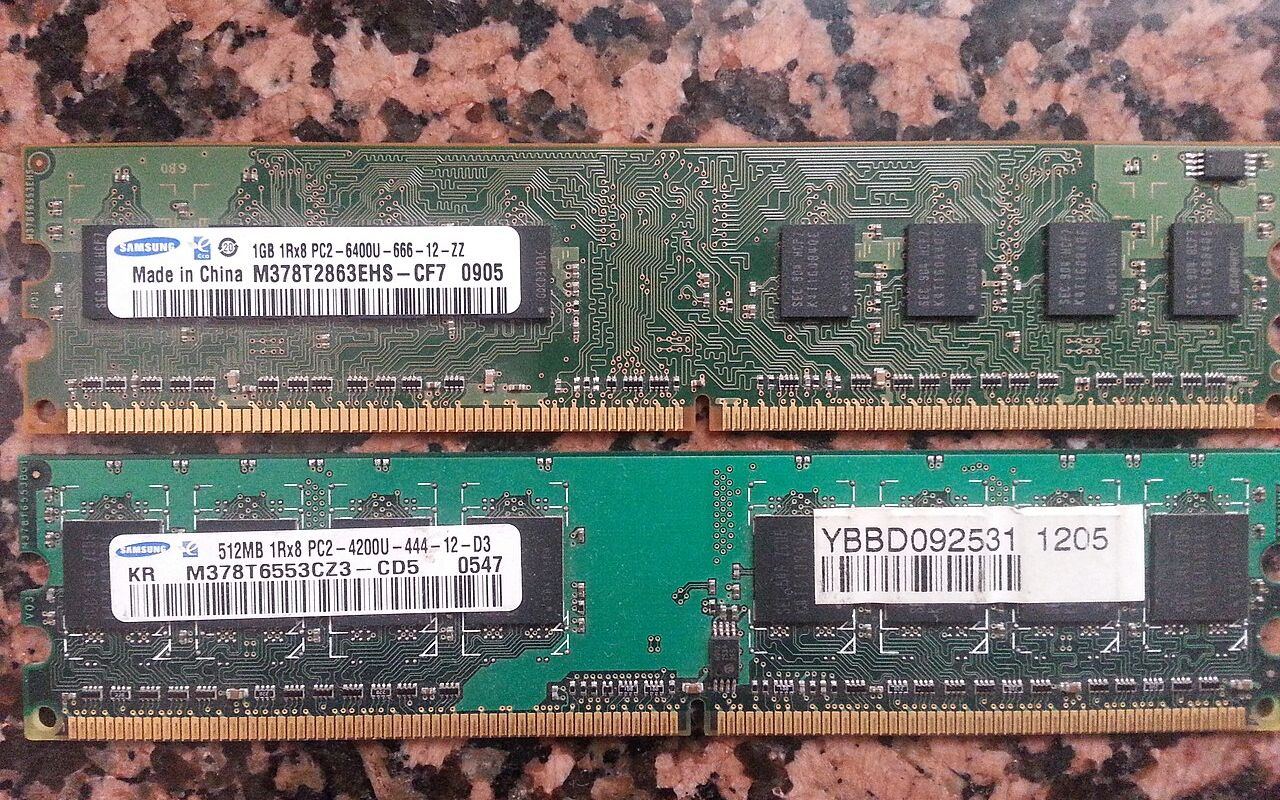
If you are unsure, 16 GB is the sweet spot for most home servers, and a board with free memory slots lets you add more later.