In this story
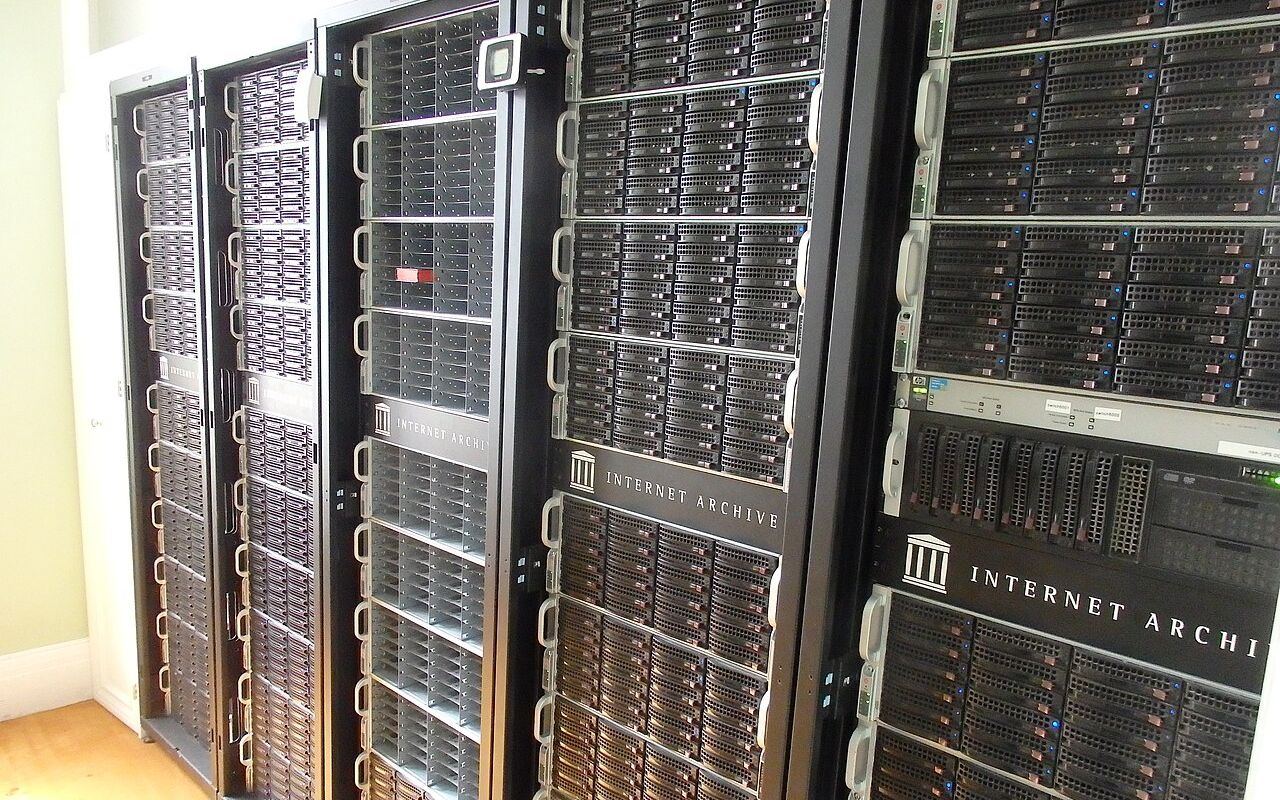
If you want to browse an old version of a web page, give the Wayback Machine a try. Maintained by the Internet Archive, the Wayback Machine lets a user enter the address of a website, and browse through a timeline of saved versions going as far back as 1996.
But since Google removed its cache feature in February 2024, searchers now have to know where to look in archives rather than rely on search links to pull up a past capture. What’s in the Wayback Machine, or other web archives, is now the fallback searchers know for browsing a page as it once looked.
How to Find an Old Page in the Wayback Machine
Using the Wayback Machine is straightforward:
- Enter the full URL of the page you want to see (include http:// or https://).
- Select the approximate date you want to see from the conveniently generated calendar.
- Click a highlighted time on that day to open the saved copy of the page as it looked then.
The Internet Archive assigns a permanent URL to each archived page (e.g., https://web.archive.org/web/YYYYMMDDhhmmss/http://www.example.com/page). That way, you or your teammates can bookmark the archival result.
To save a page yourself, use Save Page Now at web.archive.org/save: paste the address and it captures the page as it is now. It saves that one page, not the whole website.
The Internet Archive's official browser extension puts Save Page Now and the list of saved versions one click away.
The Wayback Machine Has Replaced Google Cache
Until early 2024, Google search results had a Cached link that opened Google's own copy of a page from its last crawl, which was handy when a site was down or had just changed.
Google's Search Liaison, Danny Sullivan, confirmed the removal of the cache links in February 2024, and the cache: search operator stopped working later that year.
Now, looking at a past version of a page means going to an archive. Most often, that means the Wayback Machine.
NZ Archive and Archive.today
For most pages you are relying on the Internet Archive having crawled them: it captures the web on its own, without any involvement from site owners.
National libraries also archive their country's web. The National Library of New Zealand runs the New Zealand Web Archive, which collects New Zealand websites, including harvests of the .nz domain, and makes them searchable.
Archive.today (also known as archive.ph) is another option. Anyone can ask it to capture a page, and it keeps both a text snapshot and a screenshot, which makes it useful for pages the Wayback Machine missed.
When an Old Capture Was Not Made
The Internet Archive does not capture everything. Pages behind logins, pages that rely heavily on scripts and sites that ask to be excluded may be missing or only partly saved, and some pages were simply never crawled at the time you are interested in.
If one archive has nothing, try the others: search for the page's address on archive.today and in the New Zealand Web Archive as well.
Save a Page for Later
If you may need a page later, save it now. Save Page Now stores a public, permanent copy with its own address that you can cite.
It is worth doing for anything you expect to change or disappear: terms and conditions, prices, announcements or a page you are quoting.
Are You Left Without an Old Page?
The Wayback Machine will usually have something, and national and regional archives cover some of the gaps.
Sometimes none of them has the page, because it was excluded, out of scope or never captured at the date you need.
In that case, other copies may still exist: search for a distinctive phrase from the page, check whether it was quoted in news stories or forums, or ask the site owner. Then save the pages you care about today, so the same gap does not happen again.