In this story
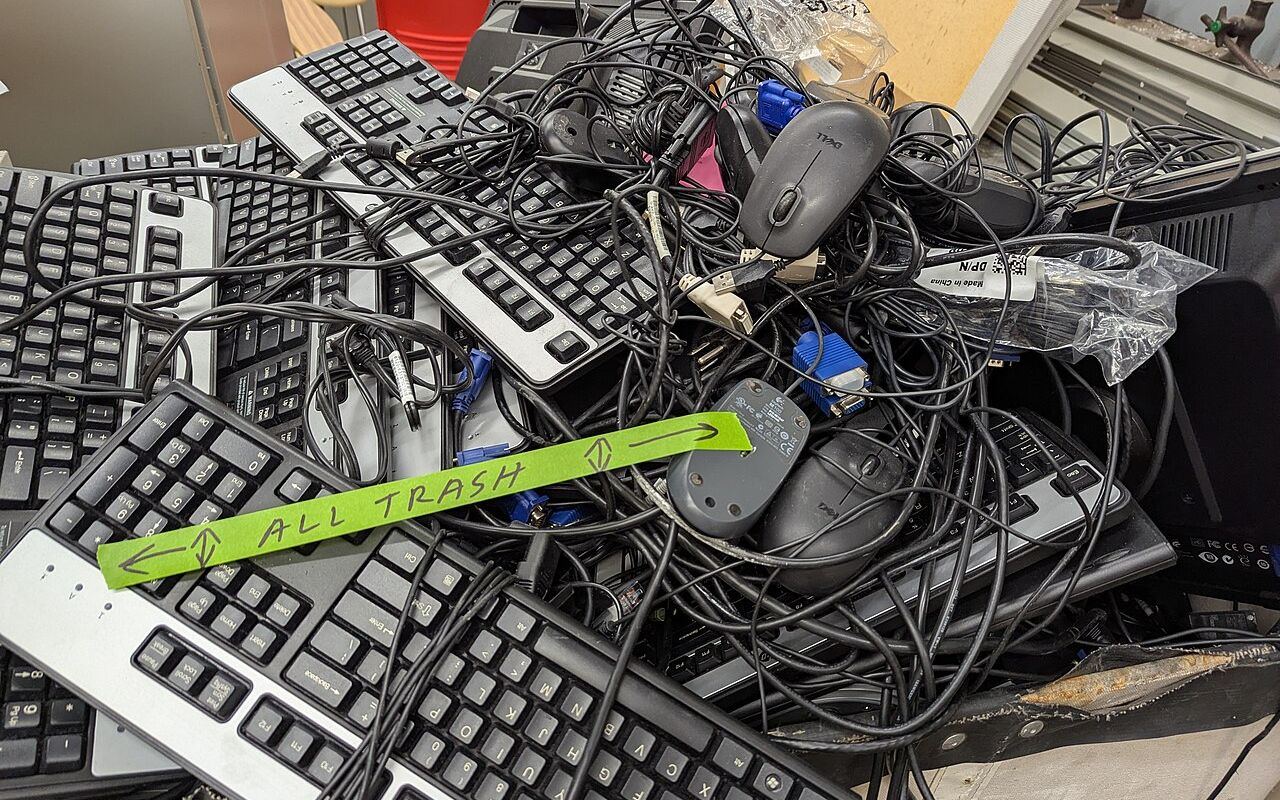
In New Zealand, it's crucial to remember that electronics and batteries shouldn't find their way into kerbside rubbish bins. Fortunately, there are dedicated routes for e-waste recycling for everything from old phones to dead batteries.
The Dangers of Kerbside E-Waste
Many councils ask residents to keep anything with a plug or a battery out of the rubbish bin. Electronics contain metals and chemicals that do not belong in landfill, and lithium batteries can start fires when they are crushed in rubbish trucks and at transfer stations.
Using Councils and Recovery Centres
Most councils accept e-waste at transfer stations or resource recovery centres, sometimes for a fee depending on the item. In Christchurch, for example, the council's EcoDrop sites take e-waste. Your council's website lists the nearest drop-off point and any charges.
Retailer take-back schemes
Retailers are the other main route. TechCollect NZ, an industry-funded scheme, offers free drop-off for computers, laptops, phones and accessories at participating sites; its website lists the current locations. Some retailers also take back old devices when you buy a new one, so it is worth asking at the counter.
Batteries need their own drop-off
Loose household batteries have their own collection points. Many councils, libraries and hardware stores have battery bins, so check which types each one takes.
Large lithium batteries, such as e-bike and e-scooter packs, are handled separately and a recycling fee is common. Ask your council or the shop that sold the bike. Tape over battery terminals before you drop them off.
Knowing Fees and Free Drop-Offs
Some items are free to drop off and others carry a charge, usually bulky items such as TVs and monitors. Fees vary by council and site, so check before you go.
Wipe your devices first
Before recycling a phone or computer, back up anything you want to keep, sign out of your accounts and erase it. On an iPhone, go to Settings > General > Transfer or Reset iPhone > Erase All Content and Settings. On Android, the reset option is under Settings > System > Reset options, although the path varies by manufacturer. On Windows, use Settings > System > Recovery > Reset this PC and choose Remove everything.
Conclusion
Keep electronics and batteries out of the rubbish bin, wipe your devices, and check your council's website or TechCollect NZ for the nearest drop-off point and any fees.